4K Wallpapers (Ultra HD Wallpapers)0.1.3
Publisher Description

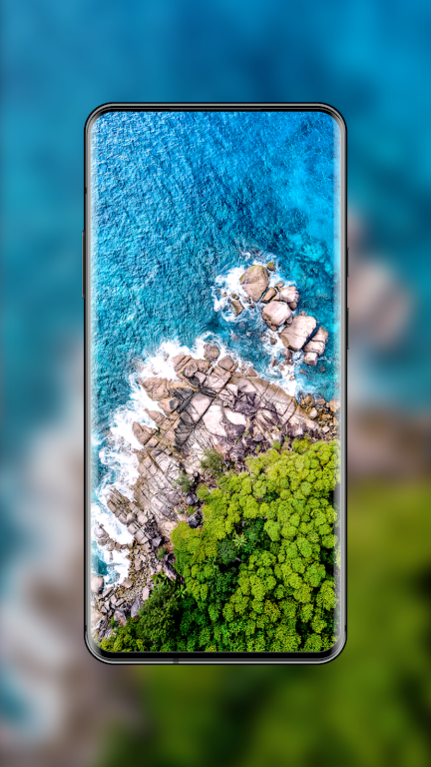
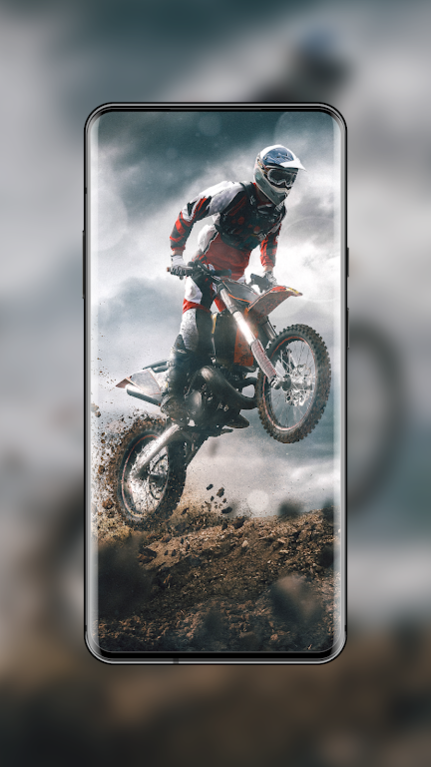


HDW Team proudly presenting you "Wallpaper Expert", the most amazing app ever made for HD, QHD and 4K wallpapers with advanced Auto wallpaper changer .
All wallpapers are hand-picked by professional designers and photographers, to make each and every background looks beautiful and stunning.
Quality is the only aspect what make us the great & best wallpapers app for Android phones.
Features:
Our simple & user-friendly interface offers following features...
Recent > This is where you see latest updated wallpapers
Trending > Popular wallpapers sorted based on user downloads
Featured > Best Wallpapers hand-picked by our designers team
Random > Wallpapers randomly shown from whole collection with hourly updates.
• Download high quality Premium wallpapers for free
• Daily updates includes exclusive content for special occasions like Festivals, New year, Christmas, Valentine's day and much more...
• Super-fast & lightweight app
• All wallpapers are suitable for HD, QHD and 4K resolution mobile phones
• All backgrounds are available in "Portrait" mode only for perfect fit
• Option to clear cache to make app loading faster and save memory & battery
• Option to Share/Send wallpapers through various apps like Whatsapp, Mail, Skype and much more..
• Save your favorite wallpapers and access them through "Favorites"
With Remove ads (PRO) option:
- No more Ads (Valid for life-time)
- 2x faster UI experience
- Priority updates
How Auto Wallpaper Changer (AWC) works:
- Download few wallpapers to our default folder "WallpaperExpert"
- Navigate to Settings choose "Auto wallpaper changer"
- Navigate to settings inside AWC and select any Interval from the options
- Make sure to choose "Apply or Set Wallpaper" after selecting the options.
- Now wallpaper will be changed automatically after that selected Interval time continuously with a Random wallpaper from the chosen folder.
Available categories: 3D, Abstract, Animals, Cars, Bikes, Festivals, Christmas, New Year, Easter, Halloween, Mothers Day, Valentines Day, Creative, Cute, Fantasy, Flowers, Greetings, Love, Music, Nature, Landscapes, Beach, People, Autumn, Summer, Winter, Sports, Superheroes, Technology, Travel & World, Food, Military, Photography, Space and we have the best collection of Dark/Black and Minimal wallpapers. Don't miss them
Stay glued and we bet you will be amazed
We are thankful for all of your support and always welcome your feedback and suggestions
*Disclaimer: All pictures listed in this app are licensed under pubic domain or uploaded by artists. User are requested to use these images only as wallpaper/backgrounds.
About 4K Wallpapers (Ultra HD Wallpapers)
The company that develops 4K Wallpapers (Ultra HD Wallpapers) is SAMIRA SAMMIH. The latest version released by its developer is 0.1.3.
To install 4K Wallpapers (Ultra HD Wallpapers) on your Huawei device, just click the green Continue To App button above to start the installation process. The app is listed on our website since 2020-05-25 and was downloaded 9 times. We have already checked if the download link is safe, however for your own protection we recommend that you scan the downloaded app with your antivirus. Your antivirus may detect the 4K Wallpapers (Ultra HD Wallpapers) as malware as malware if the download link to C102271119 is broken.
How to install 4K Wallpapers (Ultra HD Wallpapers) on your Huawei device:
- Click on the Continue To App button on our website. This will redirect you to Huawei Store.
- Once the 4K Wallpapers (Ultra HD Wallpapers) is shown in the Huawei Store listing of your Huawei device, you can start its download and installation. Tap on the Install button located below the search bar and to the right of the app icon.
- A pop-up window with the permissions required by 4K Wallpapers (Ultra HD Wallpapers) will be shown. Click on Accept to continue the process.
- 4K Wallpapers (Ultra HD Wallpapers) will be downloaded onto your device, displaying a progress. Once the download completes, the installation will start and you'll get a notification after the installation is finished.
